

Earthquakes happen without warning. They can strike at night or during work. They can happen anywhere. Many people do not have time to react.
This is why early warning systems matter. One of the most powerful systems today is the Android AEA system. AEA means Android Earthquake Alerts. This system uses millions of Android phones to detect earthquakes in real time.
In this blog, we explain how the Android AEA system works. We also show how we send alerts. You will learn how to receive an earthquake alert in my location. We also share earthquake safety information today that can help protect lives.
What Is the Android AEA System?
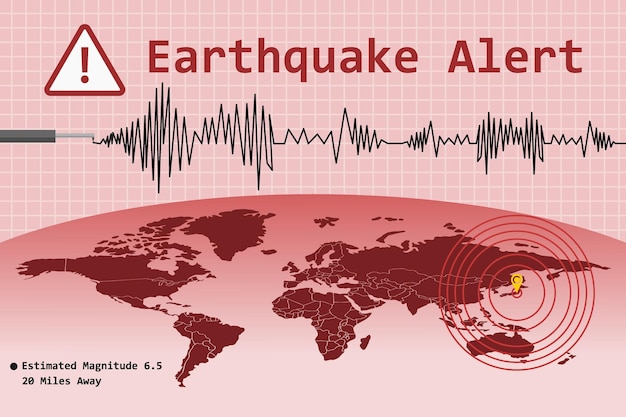
The Android AEA system is a global earthquake detection network. Android manufacturers build it into their phones. It does not need extra hardware.
Read Also: How to Learn Quantum Computing Do You Need Quantum Physics?
Each Android phone contains sensors. One important sensor is the accelerometer. This sensor detects movement. When many phones detect the same shaking at the same time, the system reacts.
The data is sent to Google servers. The servers analyze the data. If officials confirm an earthquake, they send alerts back to users.
This entire process happens in seconds.
Why Android Phones Are Used to Detect Earthquakes?
Android phones are everywhere. People spread millions of them across cities, towns, and rural areas.
This wide coverage helps in detection. Traditional seismometers are expensive. They are also limited in number. Phones fill the gaps.
Each phone acts like a mini seismometer. One phone alone is not enough. But thousands together create a powerful network.
This is how the Android AEA system becomes effective.
How Earthquakes Are Detected Step by Step?
Let us break it down into simple steps.
Step 1: Ground starts shaking An earthquake begins underground. Seismic waves travel through the ground.
Step 2: Phones detect motion Android phones feel the shaking through accelerometers. This movement detects without delay.
Step 3: Data is sent The phone sends anonymous motion data to Google servers. Personal data is not shared.
Step 4: We analyze the pattern. The system checks if many phones report the same motion. They estimate the location and strength.
Step 5: If confirmed, we send an alert to users nearby. This creates an earthquake alert in my location within seconds.
Some users may receive warnings before strong shaking arrives.
Types of Android Earthquake Alerts
There are two main types of alerts.
Be Aware Alert
This alert is for light shaking. It appears as a notification. The sound may not be loud.
Take Action Alert
This alert is serious. It uses loud sounds. The screen lights up. The system shows the instructions.
These alerts help people react fast. Even a few seconds can save lives.
Android Earthquake Alerts System Download: Do You Need One?
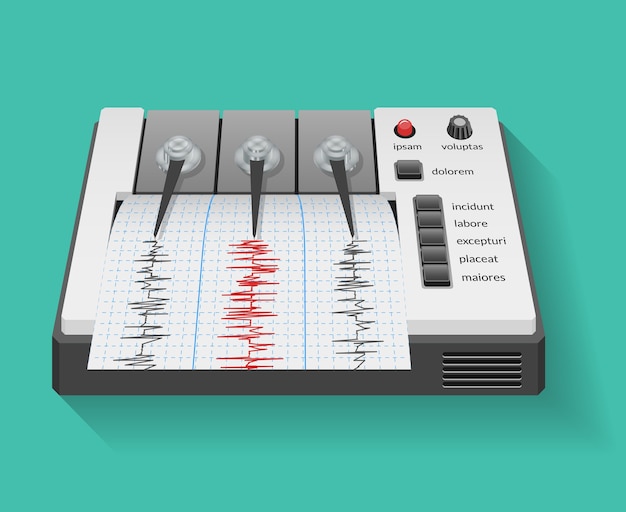
Many users ask about Android earthquake Alerts system download. The good news is simple.
You do not need to download a separate app.
You Must Also Like: Innovative Physics Experiments for Science Fairs
Most Android phones have the Android AEA system built into them. It works through Google Play Services. As long as you update your phone and enable location services, it can work. Still, users should check their settings.
To enable alerts:
-
Open phone settings.
-
Go to Safety and Emergency
-
Tap Earthquake Alerts
-
Turn alerts on.
This ensures the Android earthquake alert system download is active through system updates.
How Accurate Is the Android AEA System?
Accuracy depends on several factors.
-
Number of phones in the area
-
Distance from the epicenter
-
Speed of data processing
In cities, detection is faster. More phones are available. In rural areas, alerts may arrive later.
The system is not perfect. Small earthquakes may not trigger alerts. But strong ones usually do.
The design warns before damaging waves arrive.
Earthquake Alert in My Location: How Location Is Used?
Location is critical. Without it, alerts would be useless.
Android uses approximate location data. GPS precision is not required. We protect privacy.
When the system detects shaking, it checks the locations of the phones. We send alerts only to users near the affected area.
This ensures that an earthquake alert in my location is relevant and timely.
Users far away are not disturbed.
Privacy and Data Protection
Privacy is a major concern for many users. The designers created the Android AEA system with this in mind.
-
They anonymize the data.
-
No one shares personal identity.
-
Location data are approximate.
-
Motion data are temporary
Data is used only for earthquake detection. It is deleted after analysis.
This balance allows safety without sacrificing privacy.
Earthquake Safety Information Today: What to Do When Alerted
Alerts alone are not enough. People must know how to react.
Here is earthquake safety information today that everyone should follow.
If You Are Indoors
-
Drop to the ground
-
Take cover under a table
-
Hold on until shaking stops
Stay away from windows and heavy objects.
If You Are Outdoors
-
Move to an open area.
-
Stay away from buildings and trees.
If You Are Driving
-
Pull over to the side of the road without risk.
-
Stop the car.
-
Stay inside until the shaking ends.
You should practice this earthquake safety information often today.
Why Early Warning Saves Lives?
Earthquake waves travel at different speeds. The first waves are weaker. Stronger waves come later. The Android AEA system detects early waves. They send alerts before strong shaking arrives.
This gives people a few seconds. Sometimes it is 5 seconds. Sometimes it is 20 seconds. These seconds allow:
-
Elevators to stop
-
Trains to slow
-
People to take cover
This is why early warning matters.
Limitations of the Android AEA System
No system is perfect. The Android AEA system has limits.
-
It cannot predict earthquakes
-
It may miss very small quakes
-
Alerts depend on phone density
-
Internet access improves speed
Users should not rely on alerts alone. They should also prepare homes and workplaces.
Combining Alerts with Preparedness
Technology works best with preparation.
Here are simple preparedness tips:
-
Secure heavy furniture
-
Keep emergency kits ready
-
Know safe spots in each room
-
Practice drills
Combine alerts with readiness. This improves survival chances.
This is important earthquake safety information today that applies everywhere.
How to Check If Alerts Are Working?
Users can test settings.
-
Ensure location is on
-
Enable emergency alerts
-
Keep Google Play Services updated
There is no test alert for earthquakes. But checking settings ensures readiness.
This confirms that your Android earthquake Alerts system download is functioning as intended.
Future of Earthquake Detection with Android
The system continues to improve. More phones join the network every day. Algorithms get smarter. Detection becomes faster. In the future, alerts may include:
-
More precise timing
-
Building-specific risk
-
Voice instructions
This makes the Android AEA system one of the largest seismic networks in the world.
Earthquake Alert in My Location: Why It Matters Globally?
Earthquakes do not respect borders. Many regions lack traditional warning systems. Android fills this gap. It provides free alerts. It works globally. This means an earthquake alert in my location can reach people in developing regions too. Technology becomes a public safety tool.
Conclusion
Detecting earthquakes with the Android AEA system shows how technology can save lives. Millions of phones work together. Analysts analyze data in seconds. They send alerts quickly. You do not need a special app.
Your phone has the built-in Android earthquake Alerts system download. You only need to enable it. Alerts are useful, but preparation matters. Follow earthquake safety information today and practice safety steps. When an earthquake alert in my location appears, act fast and stay calm.
The Android AEA system shows how everyday devices can protect people. By combining awareness, preparation, and technology, we can reduce earthquake risks.